Batch Bank Statement PDF Converter
Convert multiple text-based bank statement PDFs in one browser session. Merge transactions into one CSV or download separate files in a ZIP.
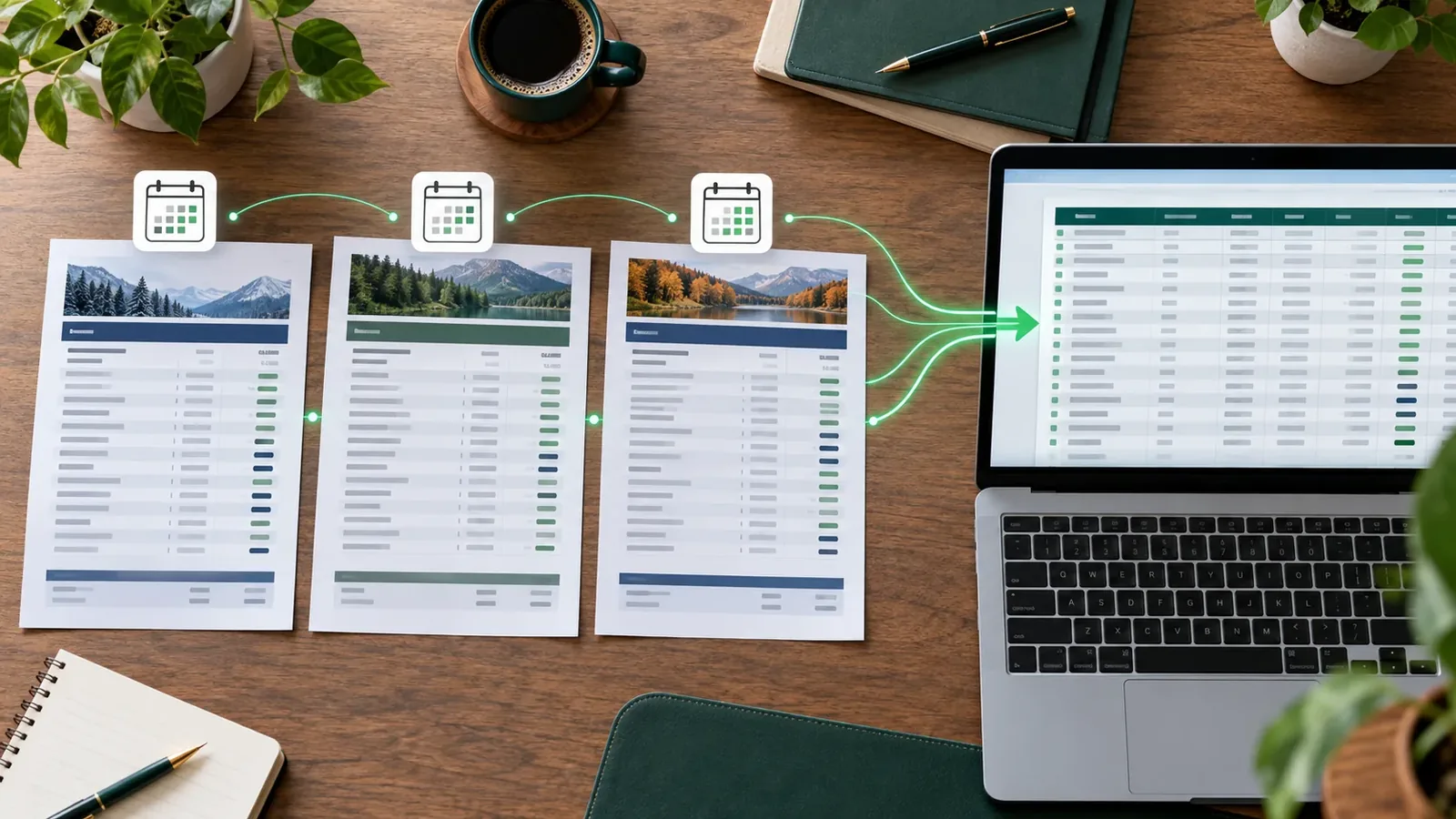
Have a folder of monthly statements? Upload several text-based PDFs together and choose whether you want one combined transaction table or one output per source file. Both modes run in your browser without creating an account.
Choose the result you actually need
| Mode | Output | Best for |
|---|---|---|
| Merge into one file | One CSV or Excel table | Searching and reviewing a date range together |
| Keep separate (ZIP) | One export per statement inside a ZIP | Month-by-month records or different bank accounts |
The merge mode aligns columns by their detected headings. If one statement has a Balance column and another does not, the merged file keeps that column with blanks for the second statement. This preserves the information, but unusual bank headings still need review.
Batch conversion steps
- Choose Merge into one file or Keep separate (ZIP) before uploading.
- Drag several PDFs onto the converter or select them in the file picker.
- Read the processing summary. A failed statement is not silently included in the result.
- Check the first and last dates of each source statement, then review row counts and amounts.
- Edit or exclude rows in the preview if needed. Choose CSV or Excel and export.
Check overlaps before relying on totals
Banks sometimes include the same transaction at the end of one period and the start of the next. A matching date and amount is only a clue; verify the description and original statements before removing a duplicate. Keep different accounts separate unless you also maintain an account identifier outside this tool.